
If I want Canadian public-sector bids, I can’t rely on one site. Tender notices are split across federal, provincial, municipal, and MASH sources, so the best setup is simple: I use the official portal for the buyer I want, then add a monitored database to watch more places at once.
Here’s the short version:
- Federal: use CanadaBuys
- British Columbia: use BC Bid
- Ontario: use Ontario Tenders Portal
- Quebec: use SEAO
- Alberta: use Alberta Purchasing Connection
- Saskatchewan: use SaskTenders
- Manitoba: check MERX for many province-linked notices
- Multi-jurisdiction search: use a monitored source like Narwin.ai
- MASH, Crown, and local buyers: often appear on MERX or buyer-linked platforms
A few facts stand out. CanadaBuys became the federal source of record on August 8, 2022. BC Bid serves 700+ organizations. And MERX starts at about $200 per month, which means it makes more sense when I need broad coverage, not just one province.
Before I pick any source, I check four things:
- Jurisdiction: does it cover the buyers I want?
- Document access: can I get the full files without extra steps?
- Submission path: do I bid on the site, or somewhere else?
- Update timing: how often are new notices added?
That’s the core idea of the article: use the right official source first, know where bids are actually submitted, and use an aggregator only to save time.
Quick Comparison
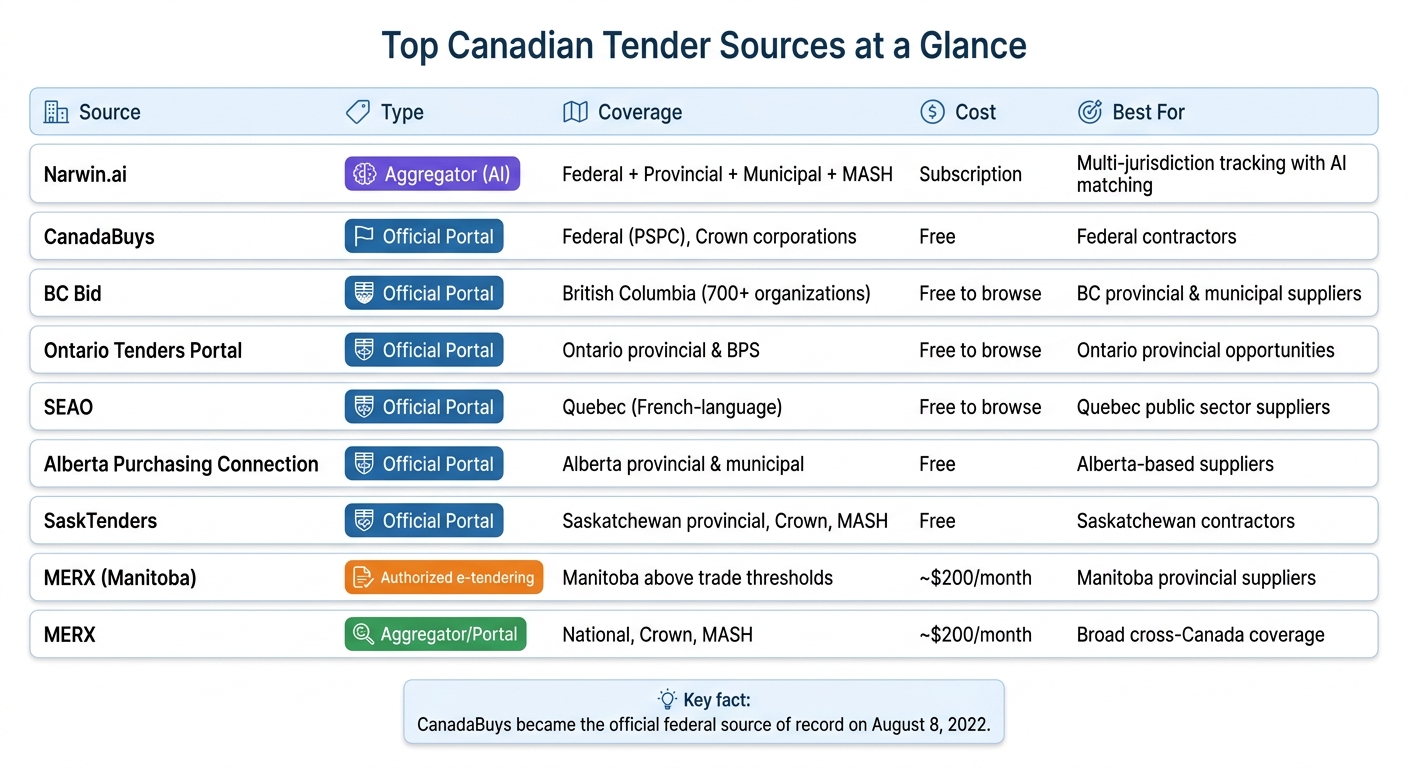
Top Canadian Tender Sources: Quick Comparison Guide
| Source | Type | Best use |
|---|---|---|
| Narwin.ai | Monitored database | I want one view across many jurisdictions |
| CanadaBuys | Official portal | I want federal opportunities |
| BC Bid | Official portal | I want British Columbia public-sector work |
| Ontario Tenders Portal | Official portal | I want Ontario provincial and BPS tenders |
| SEAO | Official portal | I want Quebec public contracts |
| Alberta Purchasing Connection | Official portal | I want Alberta provincial and local opportunities |
| SaskTenders | Official portal | I want Saskatchewan public tenders |
| MERX (Manitoba use case) | Authorized service | I want Manitoba notices above trade thresholds |
| MERX | Portal / monitored source | I want MASH, Crown, and cross-country coverage |
If I’m new to Canadian tenders, I’d start with the buyer’s official portal, set alerts by region and closing date, and only then add a second tool for broader search.
sbb-itb-bb3960c
How Canadian Tender Searching Works
Canadian tender sources usually fall into two buckets: official portals and monitored databases.
Official portals vs. monitored databases
Official portals are the source of record for government tenders. Sites like CanadaBuys (federal), BC Bid (British Columbia), and SEAO (Quebec) are where public buyers post opportunities. These sites publish notices, tender documents, and sometimes handle bid submission too.
Monitored databases and AI-powered platforms pull notices from many portals – federal, provincial, and municipal – into one search view. That means you don’t have to sign in to a bunch of different sites just to see what’s out there.
Many of these tools also turn dense procurement language into plain-English summaries. So instead of digging through a long solicitation document, you can size up an opportunity in seconds. This speed is critical when scanning for red flags in RFPs that might make a bid too risky to pursue.
There is a catch, though. These platforms aren’t the original posting source, so small delays can happen. Before you rely on any source, check two things: what it covers and how often it updates.
What to check before choosing a source
No single portal includes every Canadian tender. Before you settle on one source, check four basics:
- Jurisdiction: Does it cover the level of government you want to sell to?
- Document access: Can you download the full RFP without creating an account?
- Submission method: Can you submit bids on the portal, or does it only show the notice?
- Update frequency: How often does it pull in new notices?
Registration rules vary too. In many cases, browsing is free and open. But if you want to submit a bid, you’ll often need a registered account on the official portal.
Common filters to use
Most portals and databases offer many of the same filters. The ones suppliers use most often are region (province or delivery location), category (goods, services, or construction), commodity code, closing date (so you can spot urgent opportunities), and organization (to focus on certain departments or agencies).
Alerts and feeds can help you track new matches automatically. If you’re trying to cut through the noise, these filters are the fastest way to narrow the sources in the list below.
1. Narwin.ai
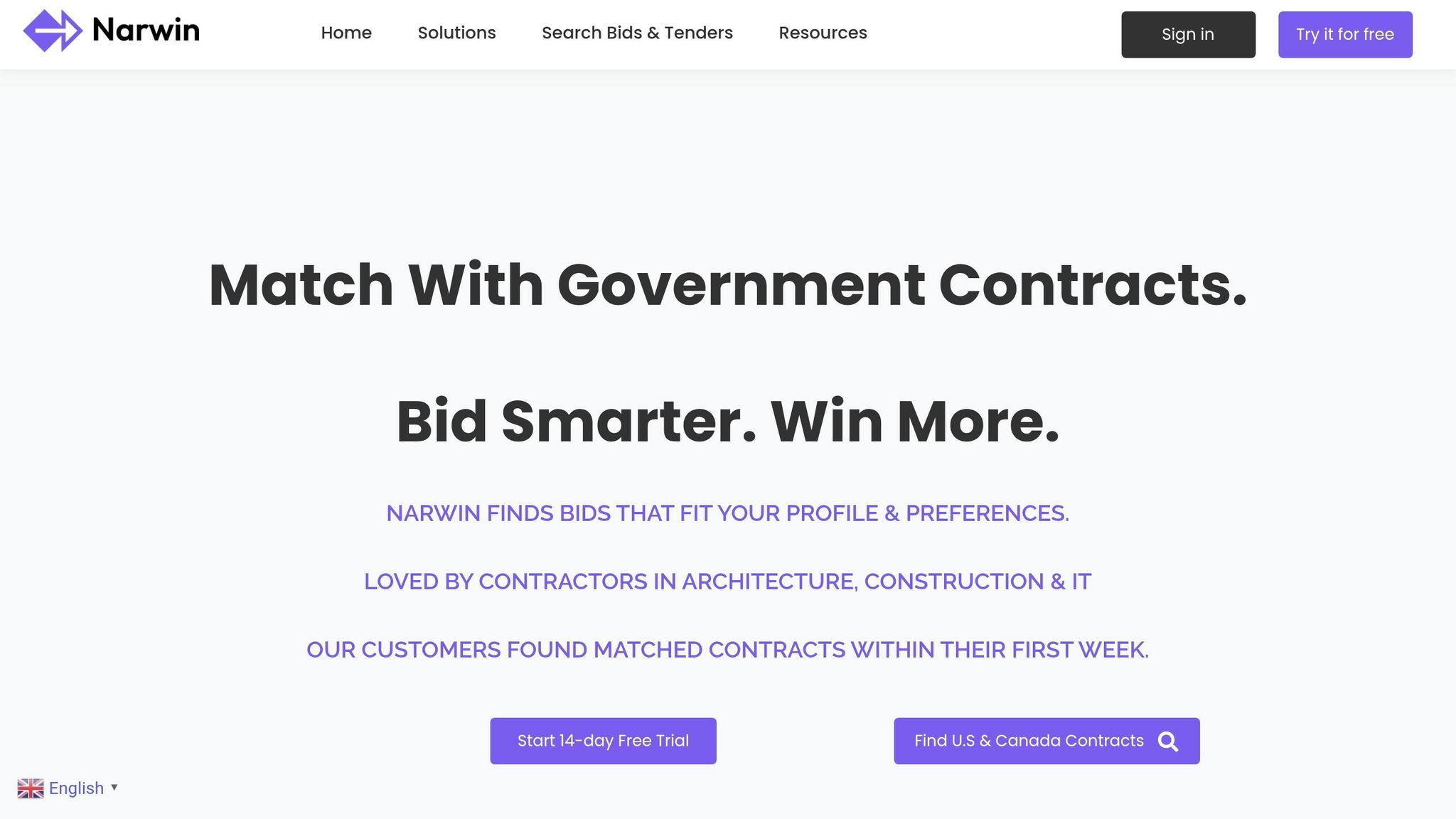
For multi-jurisdiction tracking, Narwin.ai works well as an aggregator. Narwin is a monitored database, not an official posting portal. It pulls tender notices from federal, provincial, territorial, and municipal sources into one search view.
It also covers MASH opportunities. So instead of jumping between several portals, you can watch a single search stream and save yourself the hassle.
Narwin adds bid-fit signals to help you sort through opportunities faster. It can also surface tenders that match your company profile. It’s a good fit for contractors in IT consulting, construction, and architecture.
2. CanadaBuys
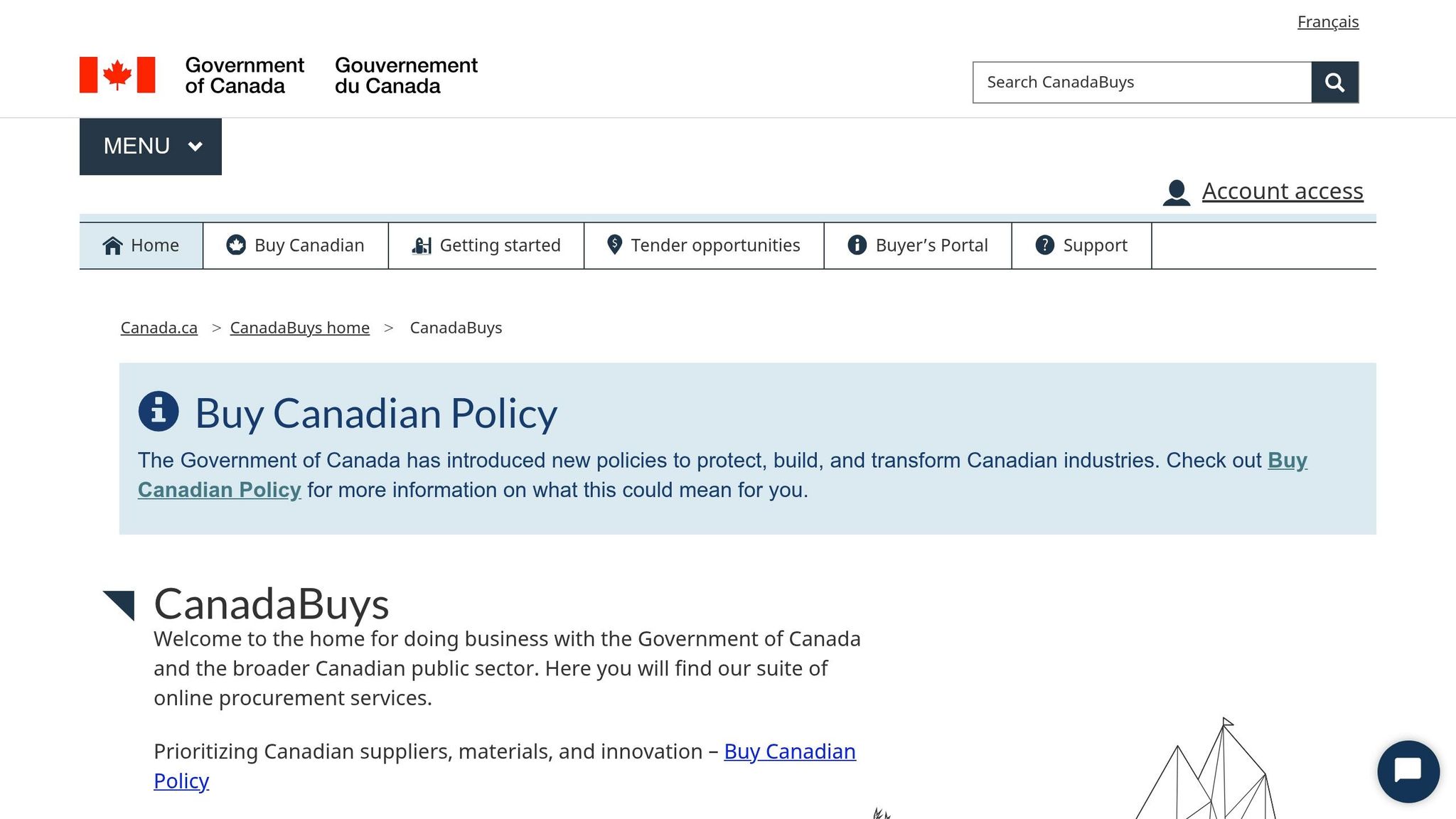
Start here if you’re looking for federal procurement. CanadaBuys is the official federal procurement portal and the official source of record for federal notices. It became the official source for all federal tender notices on August 8, 2022.
For federal buyers, CanadaBuys is the official notice source. For provincial, territorial, municipal, and MASH buyers, it points you to the original posting site. It also lists NSPA notices.
A small but important detail: PSPC notices need a free SAP Business Network account, and bids are submitted through SAP Ariba. Other federal notices can usually be downloaded right from CanadaBuys. Non-federal notices send you to the buyer’s own platform. For NSPA opportunities, the NSPA portal is the source of record.
If you need provincial or sector-specific notices, the next sources below cover those areas directly.
3. BC Bid
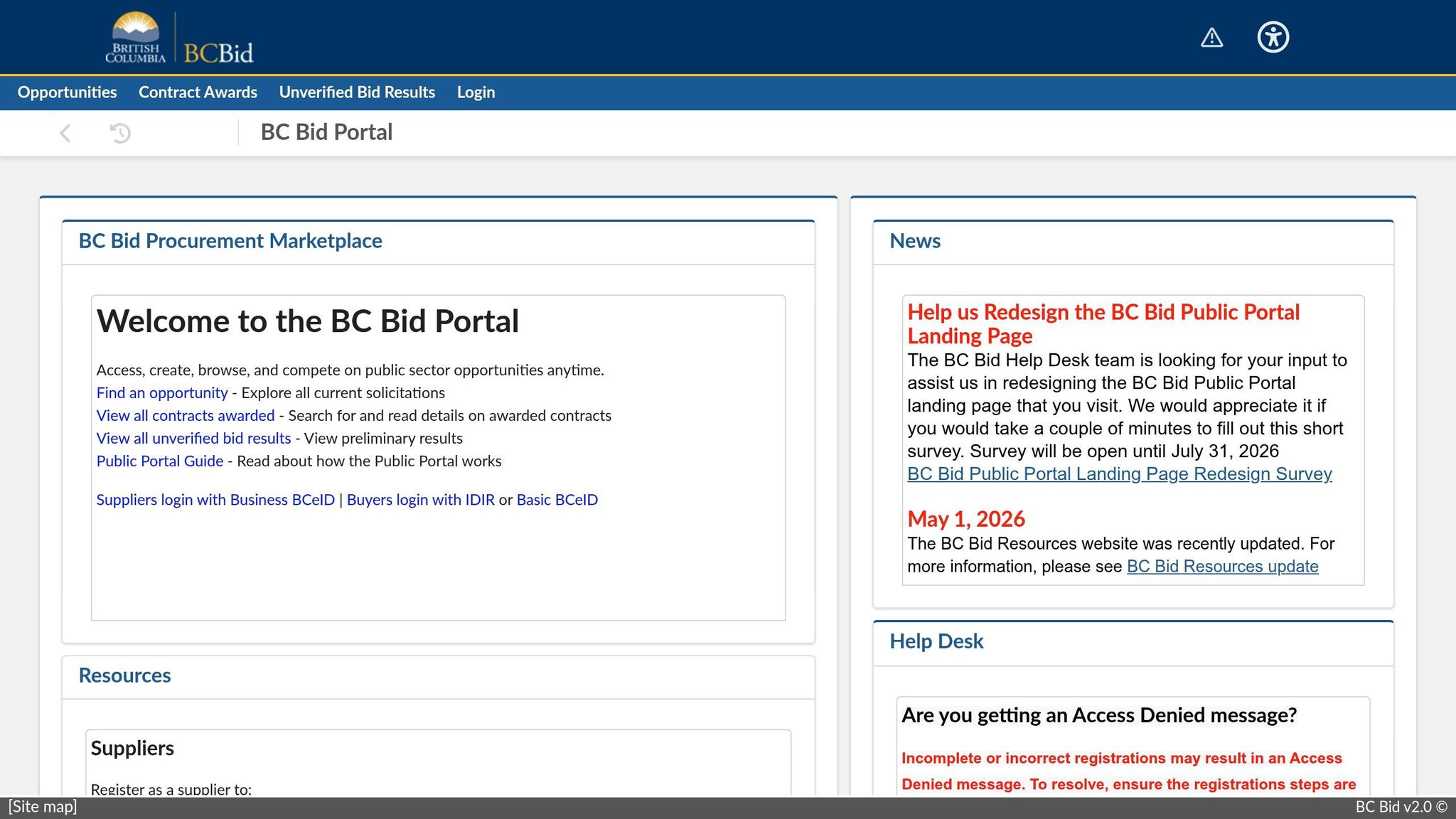
BC Bid is British Columbia’s official procurement portal and the source of record for public-sector notices across the province and local levels. More than 700 organizations use it, including provincial ministries, Crown corporations, health authorities, school boards, and local governments.
If British Columbia is your main market, this is the place to start.
Browsing the site is free. But if you want to download full tender documents or submit a response, you’ll need to register. Some alert tools and electronic submission features may also require paid access.
BC Bid also comes with a few province-specific compliance rules. For contracts worth $100,000 or more, you must get a free Tax Verification Letter from BC’s Ministry of Finance through eTaxBC before signing the contract.
You’ll often see opportunities in areas like:
- construction
- IT
- professional services
- architecture and engineering
- health
- education
There’s also a simple pattern in how many notices are awarded. Invitations to Quote and Invitations to Tender usually go to the lowest-priced bid. RFPs and RFQs, on the other hand, are usually scored against set criteria.
If you also bid in other provinces, the next portals cover those markets directly.
4. Ontario Tenders Portal
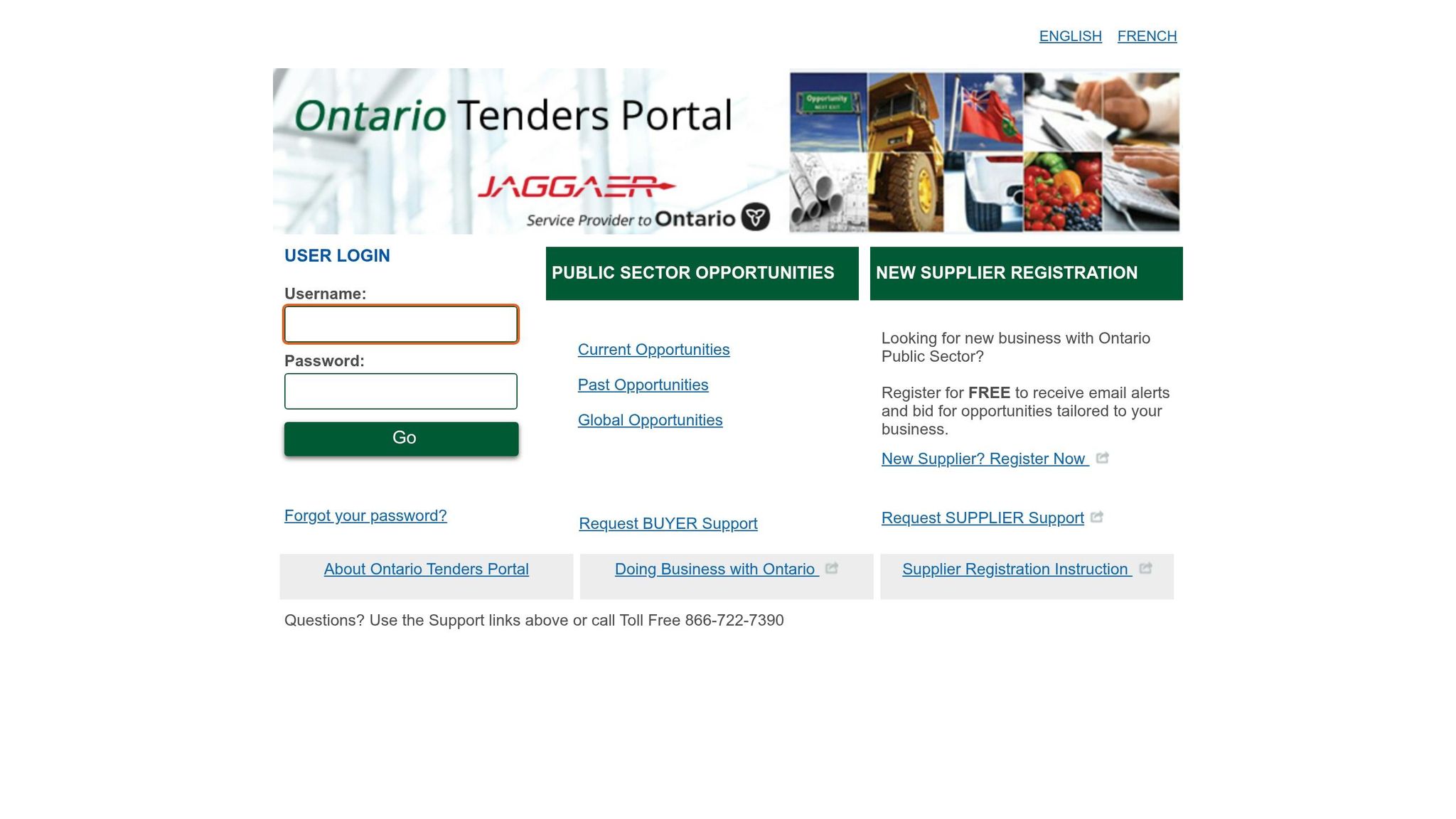
Use OTP for Ontario provincial and BPS tenders. The Ontario Tenders Portal (OTP) is the official source for Ontario provincial ministries and broader public sector organizations (BPS). OPS ministries must use it for open competitive procurements.
The portal includes provincial ministries, agencies, and participating BPS entities such as hospitals and school boards.
You can view documents for free. But to submit a bid, you need to register. Some procurements also require tax compliance and security checks.
OTP is for provincial and BPS work. Federal and municipal opportunities are posted on other platforms.
For Quebec procurement, the next source is SEAO.
5. SEAO
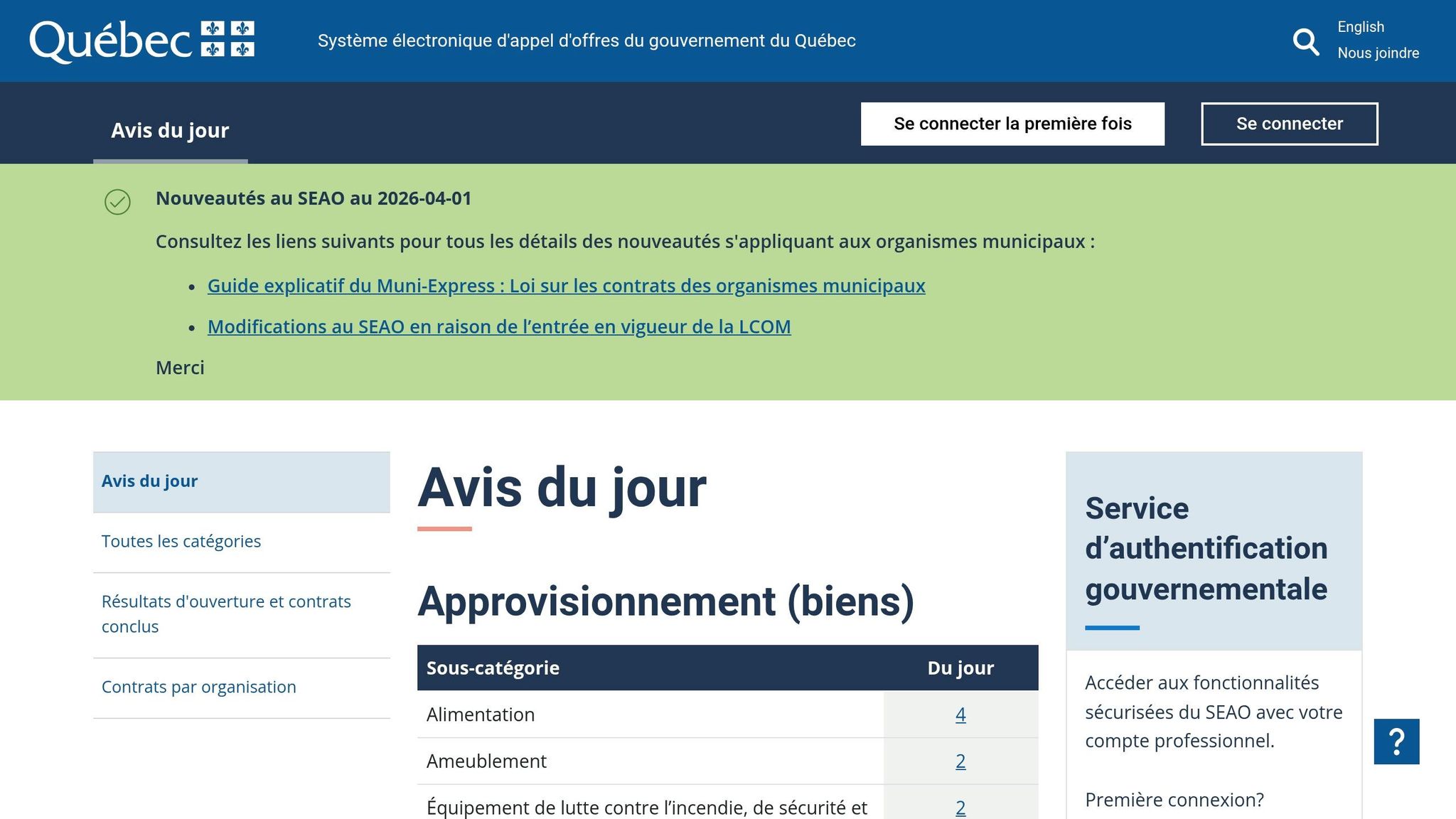
For public contracts in Quebec, SEAO is the official source of record for tender notices and bid documents. Public bodies and municipalities covered by Quebec procurement rules must post their notices there.
SEAO brings together notices, documents, and award results for Quebec ministries, agencies, schools, health organizations, and municipalities. It also includes opportunities across:
- Construction
- Professional services
- Architecture and engineering
- Transportation and logistics
- IT/software
For suppliers, the main day-to-day limits come down to access and language. You need an account to download full documents and use the site’s main features. Documents are provided digitally, and some can also be printed or mailed.
There’s another practical point: procurement documents are mainly in French, so French language skills matter. SEAO also publishes contract award data in XML and JSON, which can help with market research.
6. Alberta Purchasing Connection
Alberta Purchasing Connection (APC) is the Government of Alberta’s official tender portal. It’s the main source for Alberta-specific competitive opportunities.
APC also posts opportunities from Alberta municipalities, schools, universities, colleges, and health entities. So if you’re trying to sell to both provincial and local public buyers in Alberta, APC is a smart place to look.
You can browse listings without an account. But to download documents, express interest, and get addenda alerts, you’ll need a free supplier account.
One detail matters here: many APC notices now send suppliers to SAP Discovery for documents and submission. In plain terms, don’t assume everything happens inside APC. Check each posting so you follow the right path.
The good news is that both APC registration and a SAP Business Network account are free for suppliers. If you’re bidding on construction work, make sure you have a valid COR or TLC before you submit. Most infrastructure tenders require one.
If Alberta isn’t your target market, the next source covers Saskatchewan.
7. SaskTenders
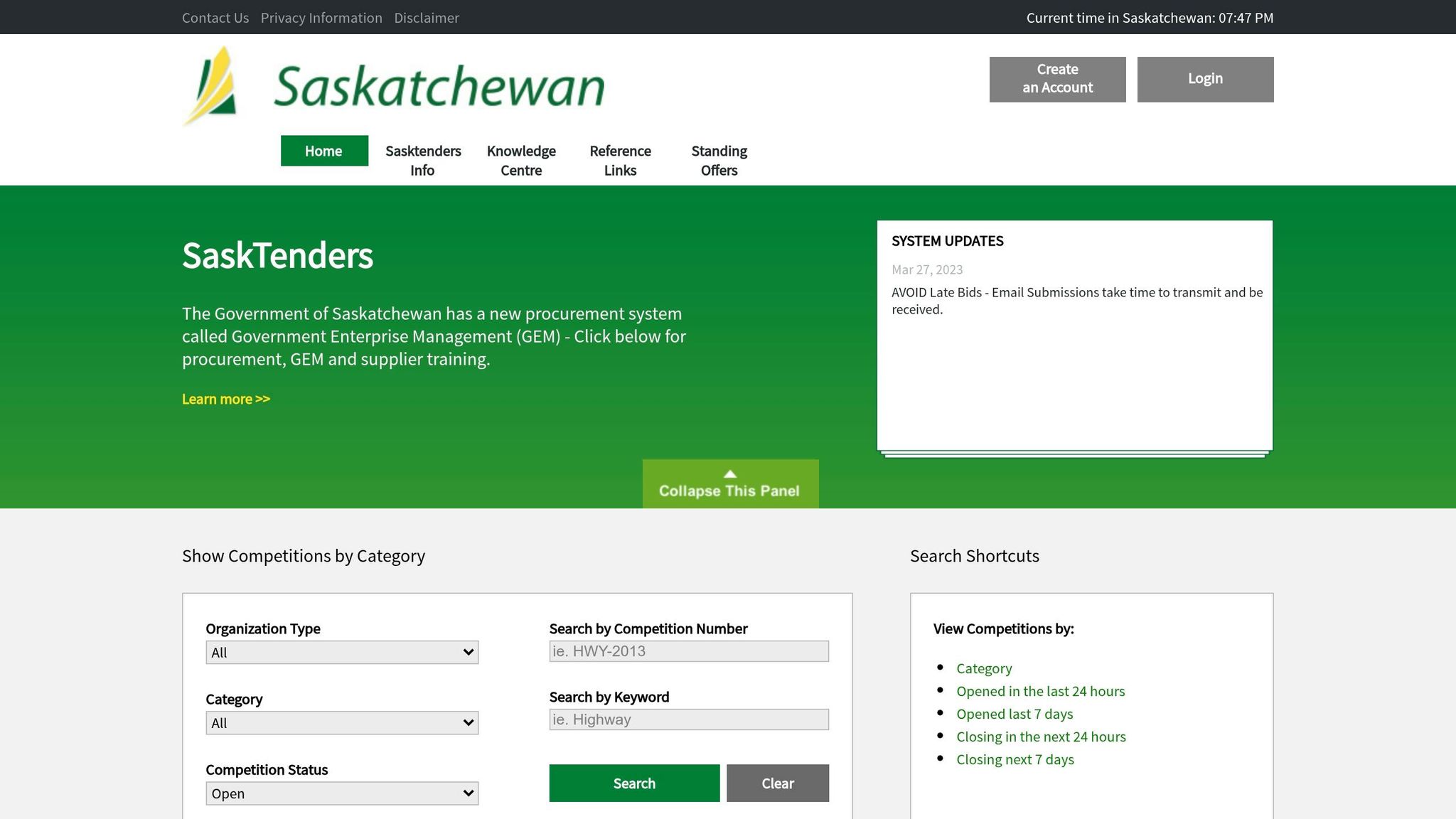
If you’re looking for procurement work in Saskatchewan, start with SaskTenders.
SaskTenders is Saskatchewan’s official procurement portal for opportunities across provincial, municipal, Crown, health, and education buyers.
That means the site includes postings from provincial ministries and agencies, Crown corporations, municipal governments, and the MASH sector: Municipalities, Academic institutions, Schools, and Hospitals.
Registration is free. Suppliers can download documents, submit responses, and set up email alerts, which makes it a practical place to track new postings without a lot of extra hassle.
One point matters here: many awards are based on best value, not just the lowest price. So if your bid shows stronger service, fit, or delivery, that can matter just as much as the dollar figure.
For another provincial source, the next section covers Manitoba.
8. Manitoba Tender Opportunities
For Manitoba tenders, MERX is the province’s authorized electronic tendering service for notices above trade-agreement thresholds. If you’re a supplier, that’s the main place you’ll check for these opportunities.
The key users on the platform include Manitoba Infrastructure, other provincial departments, and some MASH buyers. The big thing to watch isn’t just the notice itself. It’s where that notice tells bidders to send their bid.
Here’s the part that trips people up: bids are not submitted through MERX. Suppliers use MERX to register and download the tender documents, but each solicitation includes its own return instructions. So after you get the documents, follow the notice closely for the actual submission steps. This is the first step in structuring a successful government bid that meets all technical requirements.
9. MERX
MERX is a major Canadian procurement platform that covers federal, provincial, territorial, and MASH opportunities.
For federal tenders listed on MERX, go back to CanadaBuys for the source documents. That’s where the files are free. But if the buyer is a hospital, school board, or municipality that uses MERX as its main platform, you’ll handle both the documents and the bid through MERX itself.
Bid submission runs through an integrated eBid tool, but only when the buying organization has turned it on. If eBid isn’t available, the tender documents will explain exactly how to submit. MERX also includes a Document Request List, which shows other suppliers who asked for the same documents. That can help if you’re looking for subcontracting or teaming options.
The biggest downside is the subscription fee. MERX starts at about $200 per month, so it tends to make sense only if you need broad coverage across many jurisdictions. If you’re focused on one province that already has its own free portal, it’s worth pausing and asking whether the extra reach is worth the cost.
Use the comparison table below to weigh MERX’s broader coverage against its subscription cost.
Quick Comparison of the Top Canadian Tender Sources
Use this comparison to line up each source with your target market and the way your team handles bids.
| Source | Type | Jurisdictions Covered | Document access / submission | Best For |
|---|---|---|---|---|
| Narwin.ai | Aggregator (AI) | Federal, Provincial, Municipal | Links to original postings | Suppliers tracking multiple jurisdictions with AI matching |
| CanadaBuys | Official Portal | Federal (PSPC), Crown corporations, some MASH | Yes / Yes (registration required) | Federal contractors |
| BC Bid | Official Portal | British Columbia | Yes / Yes | Suppliers focused on BC provincial and municipal contracts |
| Ontario Tenders Portal | Official Portal | Ontario | Yes / Yes | Suppliers focused on Ontario provincial opportunities |
| SEAO | Official Portal | Quebec | Yes / Yes | Suppliers targeting the Quebec public sector |
| Alberta Purchasing Connection | Official Portal | Alberta | Yes / Yes | Alberta-based provincial and municipal suppliers |
| SaskTenders | Official Portal | Saskatchewan | Yes / Yes | Saskatchewan provincial and agency contractors |
| MERX (Manitoba) | Authorized e-tendering | Manitoba | Yes / Yes | Manitoba provincial and school division suppliers |
| MERX | Aggregator / Portal | National, Crown corporations, MASH | Yes / Yes (paid tiers often apply) | Suppliers targeting Crown corporations, hospitals, and universities |
The table gives you the big picture. But scope is only part of the story. Each source comes with its own access rules, account setup, and submission process.
That’s why it helps to narrow things down by jurisdiction first. Then look at how each platform handles document access and bid submission, because that’s where day-to-day friction usually shows up.
Use the comparison below to choose the source that matches your market and the number of bids you plan to manage.
How to Pick the Right Source for Your Business
Use the comparison above as a shortcut. Pick the source that lines up with the buyer you want to reach. Start there: federal, provincial, or MASH.
If you sell to the federal government
Start with CanadaBuys for federal procurement. You can search by UNSPSC code, department, or solicitation number.
If you’re going after NATO-related opportunities, CanadaBuys also shows notices from the NATO Support and Procurement Agency (NSPA). But there’s one extra step: to submit a bid, you still need to complete a separate free registration on the NSPA website.
It also helps to watch RFIs and ACANs early. They can give you a heads-up before a formal tender goes live.
If you focus on one province or city
Start with the official portal for your province. BC Bid, SEAO, Alberta Purchasing Connection, the Ontario Tenders Portal, and SaskTenders are the main sources for those jurisdictions.
If most of your buyers are local public entities, use buyer-specific sites only when you need them. MASH-sector buyers, municipalities, schools, hospitals, and academic institutions often post on their own websites or through third-party platforms. So if MASH is your lane, you’ll usually need to watch more places.
If you track multiple jurisdictions at once
Sometimes one portal just won’t cut it. In that case, move to a single monitored feed.
An AI-powered aggregator like Narwin.ai can help you monitor multiple jurisdictions in one place. Narwin pulls together federal, provincial, and city-level sources into a single stream matched to your company profile, so you get matched recommendations and bid-fit signals in one feed.
Final Thoughts
No single portal covers everything in Canadian procurement.
Once you know which portals matter for your market, set up one simple search routine. Use official portals as your source of record, then add a monitored feed to spot more opportunities across the market.
Finding tenders is only half the work. The other half is deciding which ones are worth your time. Use fit signals to screen out weak leads faster and focus on bids that match what you sell. Tools like Narwin.ai can help you do that across jurisdictions in one place.
Start by registering on the portals that match your target buyers.
Then set daily alerts based on commodity code and closing date.
FAQs
Which portal should I use first?
For federal opportunities, CanadaBuys should be your starting point. It’s the main source for federal tender notices.
That said, it doesn’t include everything. Provincial, territorial, and municipal governments run their own procurement sites. So if you want to track federal, provincial, and city-level bids in one place, Narwin.ai can help you monitor them more efficiently.
Do I need an account to download or submit bids?
Yes. You can usually search for opportunities on platforms like CanadaBuys for free, and in many cases you don’t need an account just to browse.
That said, registration is often required if you want to download the full tender documents or submit a bid.
For federal opportunities in Canada, businesses need to register to get a Procurement Business Number. The exact requirements can change from one platform to another, and some agencies also ask you to register before you’re allowed to bid.
When should I use Narwin.ai?
Use Narwin.ai when you need to simplify procurement work across the U.S. and Canada.
It’s a solid fit for finding relevant bids, getting AI-driven recommendations and go/no-go signals, checking risk, reviewing competitive intelligence, and drafting tailored proposals. It also connects with tools like Slack, Google Drive, and your current CRM or ERP systems.